Next-Generation
UniFi Protect Systems.
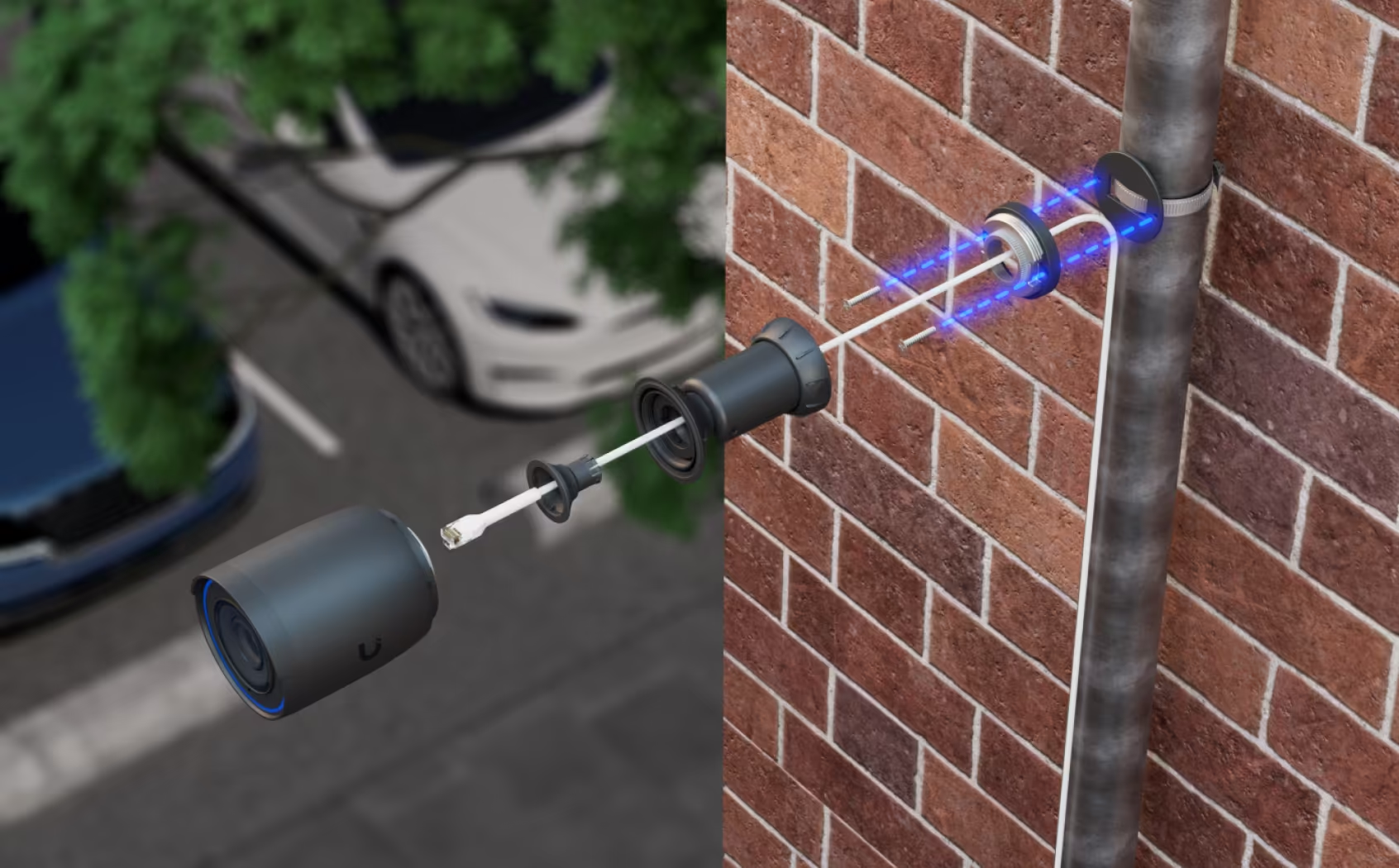
Why Upgrade to UniFi?
Traditional CCTV Systems
UniFi Protect Ecosystem
Product Hardware Catalog
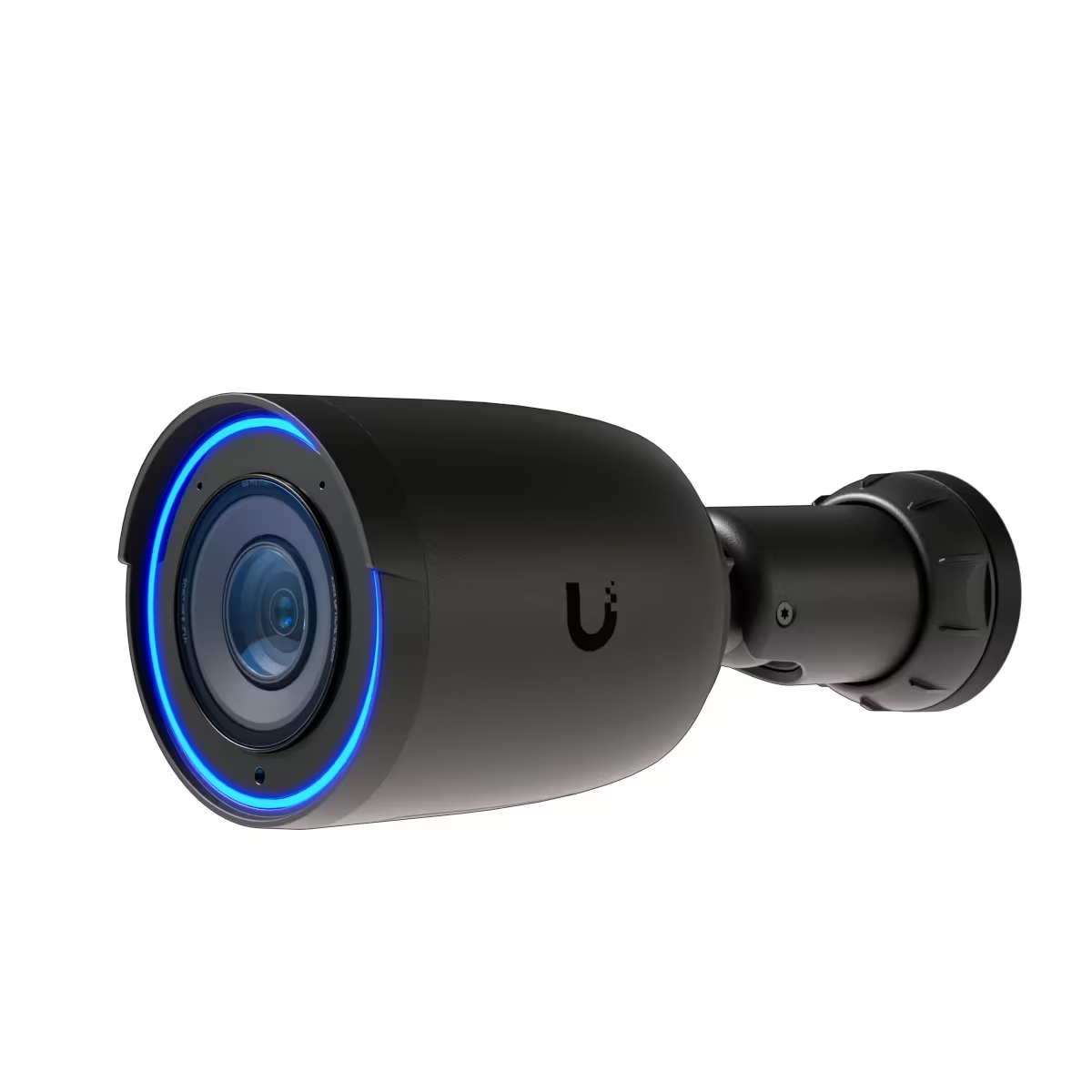
G6 Bullet Pro
Long-range optical zoom and high-power IR night vision for extended property lines.
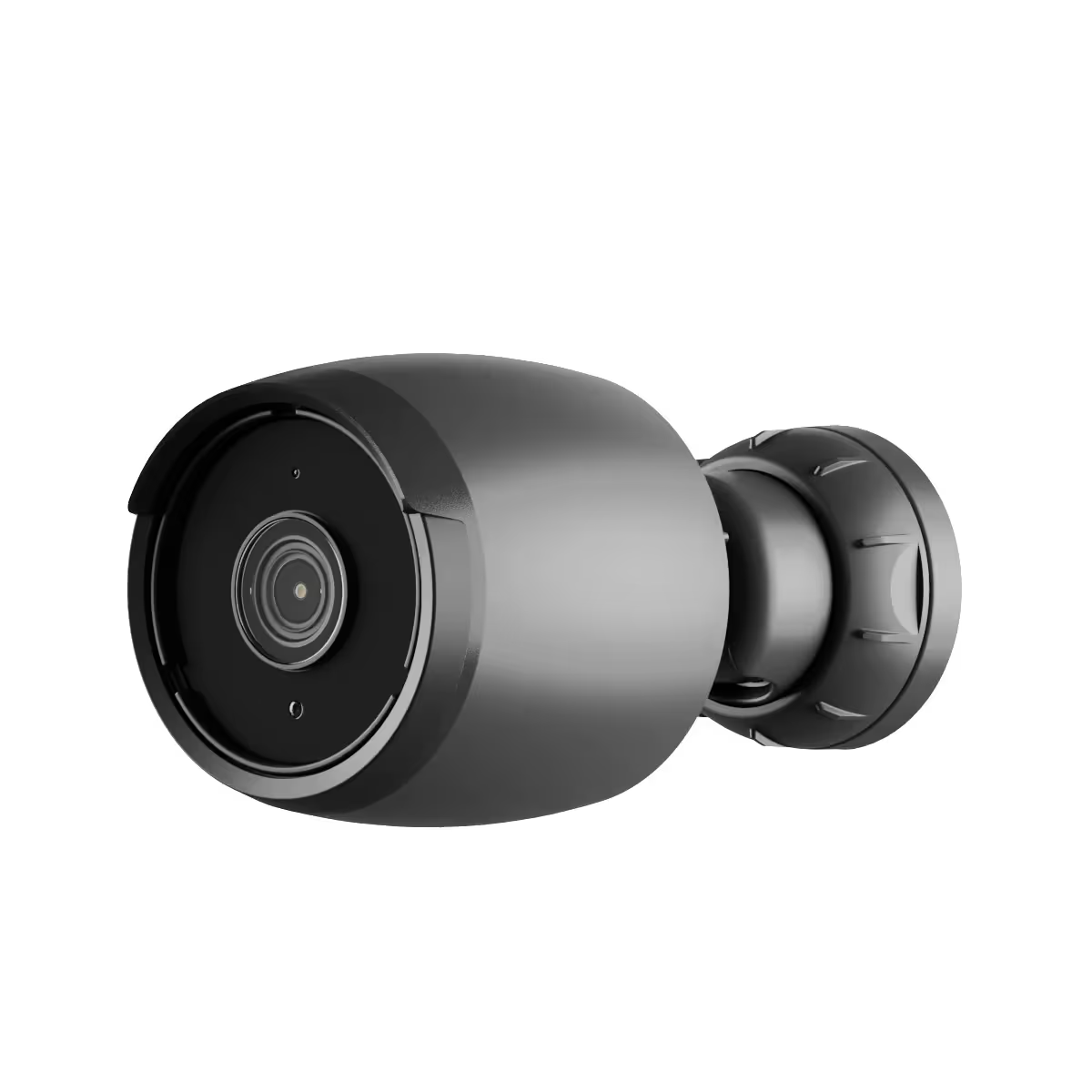
G6 Bullet
Perimeter walls, exterior building corners and entry driveways.
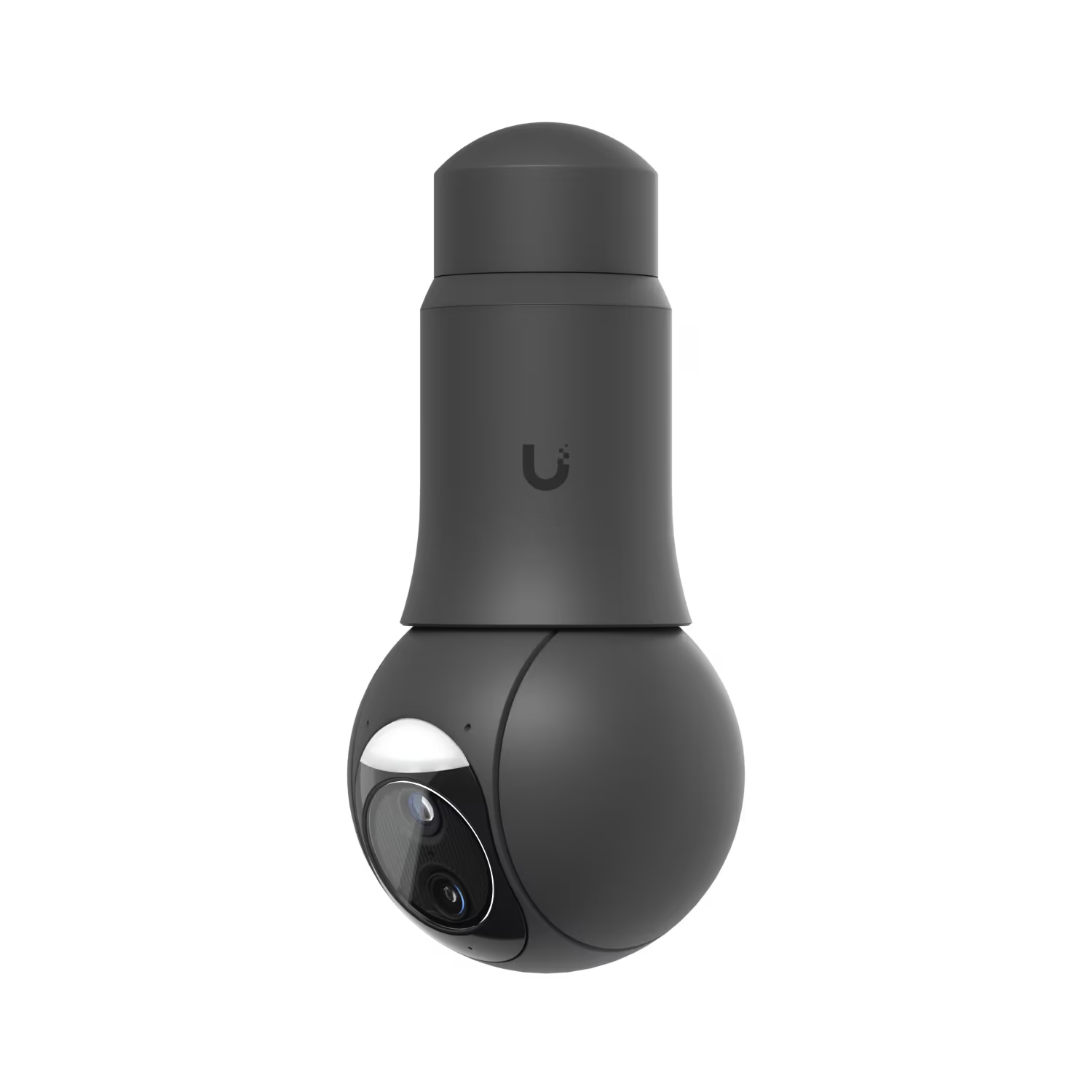
UVC-G6 PTZ
10x hybrid zoom, multi-TOPS AI tracking, all-weather perimeter guard duty.
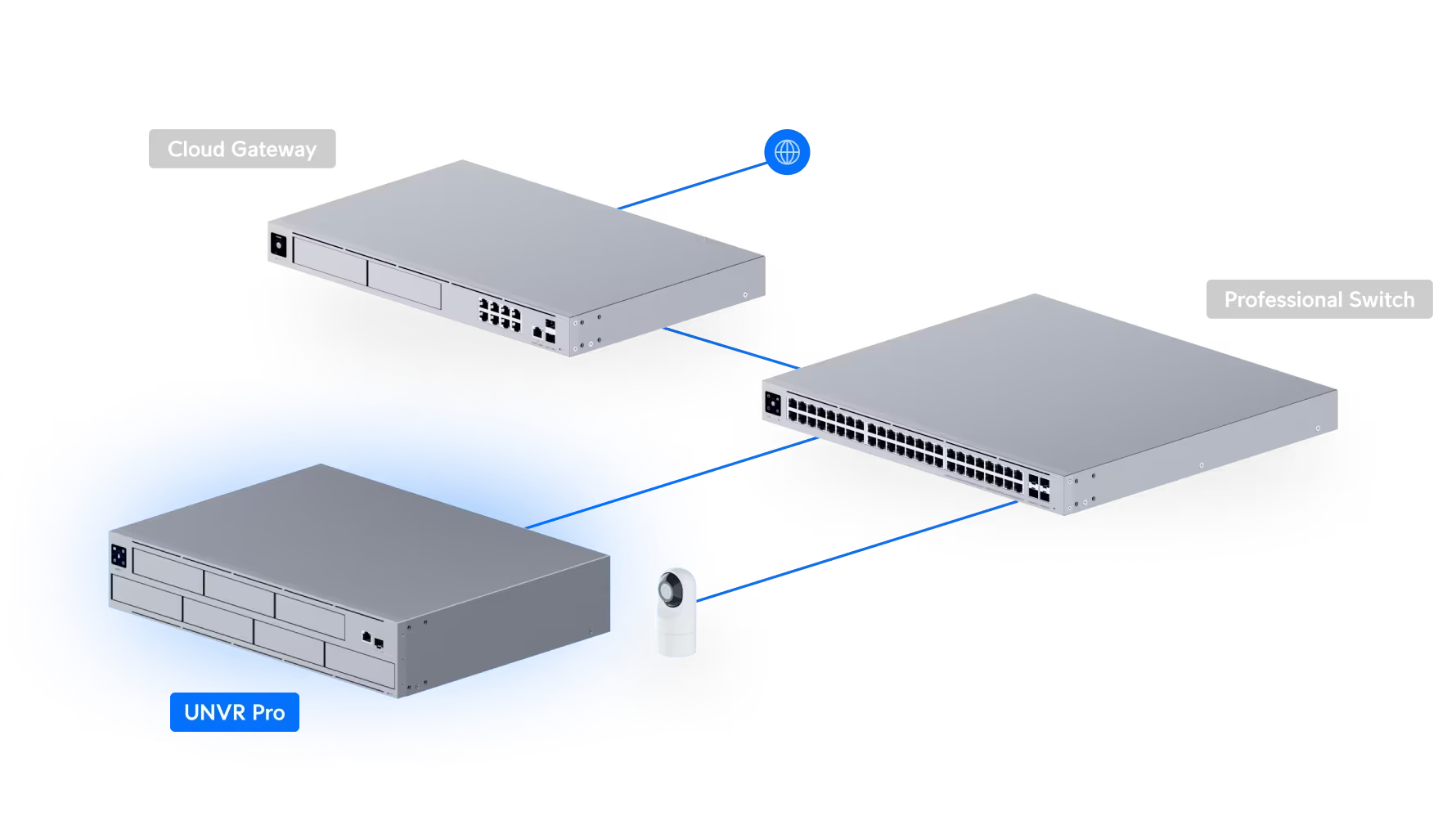
UNVR-Pro
RAID 5/10 fault tolerance, redundant power supply options (USP-RPS), 10G SFP+ uplink ports, and an integrated 1.3″ touchscreen status display.
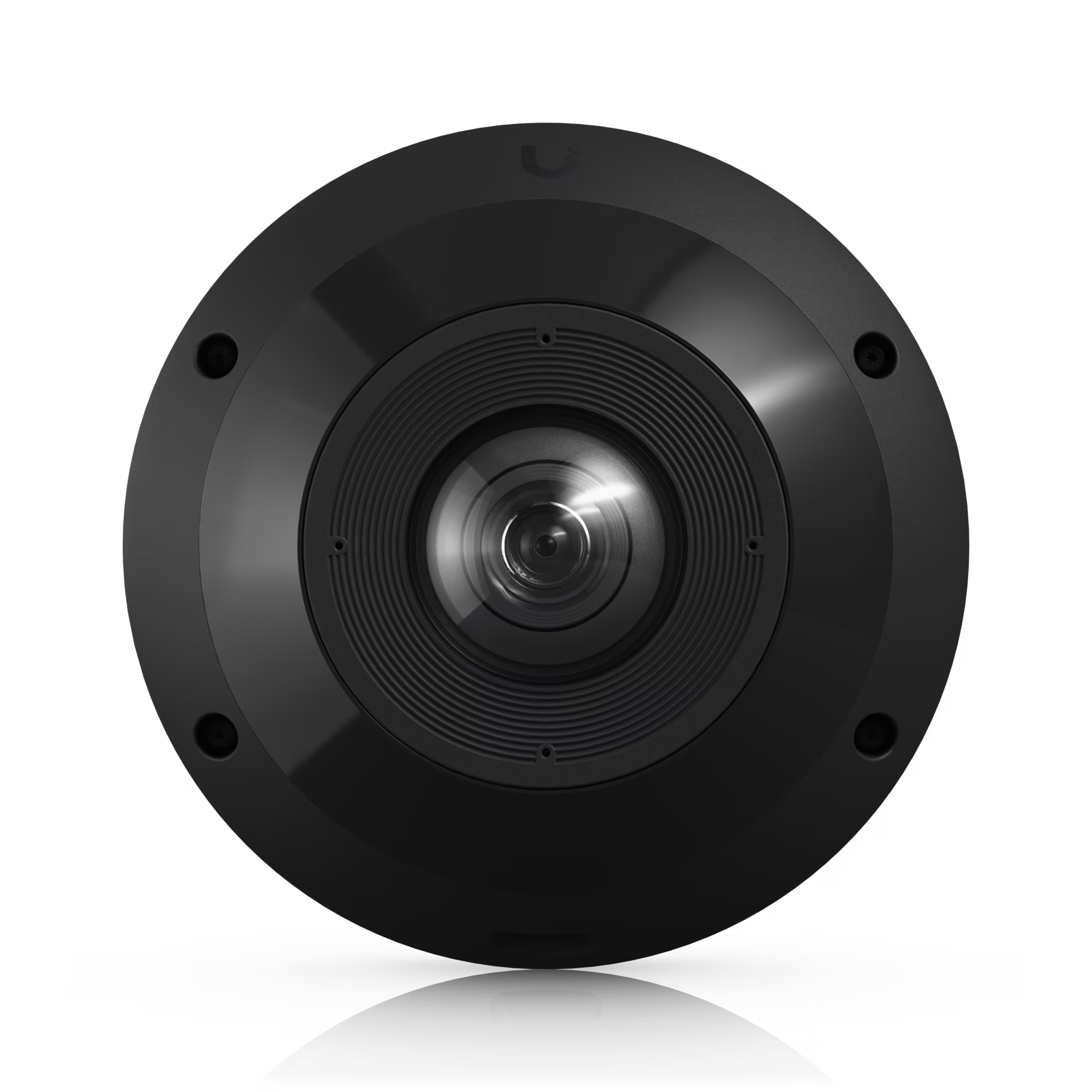
UVC-G6 Pro 360
Complete overhead coverage for open-plan offices and retail floors.
All-weather, vandal-resistant 12MP PoE camera with panoramic 360° coverage, digital pan-tilt-zoom functionality, and smart IR functionality.
From site survey to handover
Network engineering first, cameras second
| Network-first architecture | We don't just bolt cameras onto a wall. We configure custom surveillance VLANs, 10G SFP+ backbones and QoS rules so camera traffic never slows down your office WiFi or internet. |
|---|---|
| Load-shedding & power protection | Line-interactive UPS units, inverter tie-ins and correctly sized batteries keep your system recording uninterrupted through local power cuts. |
| Surge & lightning protection | Outdoor cameras run on UV-resistant Cat6 cabling with concealed weatherproof junction boxes and Ethernet Surge Protectors, grounded to a property earth spike. |
| Precision FOV mapping | Using UniFi InnerSpace, we simulate every camera's field of view against your architectural site plan before a single hole is drilled — zero blind spots, no guesswork. |
Request your custom UniFi Protect site survey
UniFi Protect Frequently Asked Questions
Correct. Once installed, UniFi Protect requires no per-camera or per-channel software licence. You own the NVR, the cameras and the footage they record.
Yes — and it should. We place surveillance traffic on its own isolated VLAN with dedicated QoS rules, so camera streams never compete with or slow down staff WiFi.
We size and integrate line-interactive UPS units (with inverter tie-ins where relevant) so the NVR and PoE switches keep recording through scheduled outages.
Video is stored locally on-site on the UNVR or UNVR-Pro, encrypted in transit and at rest, with RAID parity protecting against a single drive failure.
Yes — Protect integrates directly into an existing UniFi controller alongside your access points, switches and door access hardware in one dashboard.