


First Review of Nova MX6 AX1800 Mesh System

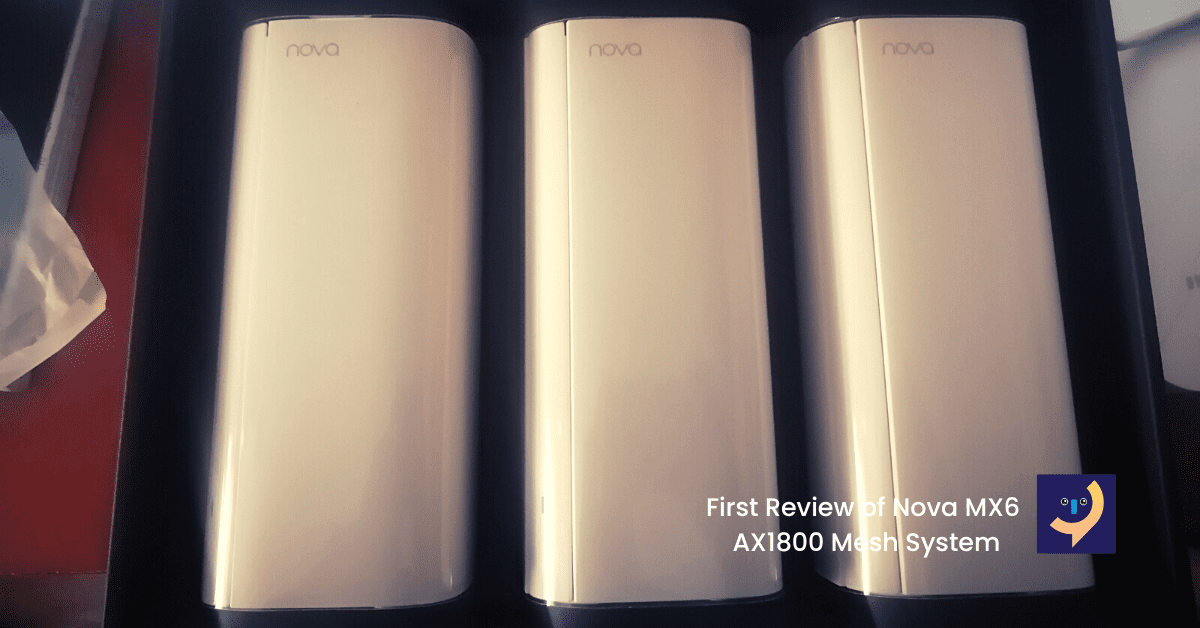
We had the pleasure to be given a brand new package of the Nova MX6 AX1800 Mesh system to test and be able to write a review about. Tenda has upped its game and gunning for the top spot with the entry-level Nova MX6. This is truly a major upgrade to the AC1200 mesh system that we are so accustomed to. We are going to share our experience and opinion of the Nova MX6.
Unboxing the Nova MX6
The Nova MX6 comes in a 90x275x330mm box (according to the ruler we used to measure) with the usual Tenda branding. Inside you will find the premium black box that you would normally find on the Nova MW6 and MW12. When you finally get to the goodie, you will find 3 stylish and rectangular white nodes written nova. So inside the box, it is the 3 Nova MX6 routers/nodes, 3 power adapters, and a LAN cable with a quick setup manual.
Easy setup on the Tenda WiFi App
Since we already had the Tenda WiFi App that we use for all our mesh setup. We first plugged the Nova MX6 and placed the other nodes 10 meters apart with a brick wall separating them. Connected to the default Nova SSID from the main nova router and opened the Tenda WiFi App. It quickly went from the initial setup steps although took a few seconds to save the internet connection settings. After that was done, a screen to change WiFi SSID and password appeared. Changed the settings and reconnected to the new SSID that was just created. After opening all the nova mx6 nodes were already paired and ready to connect devices.
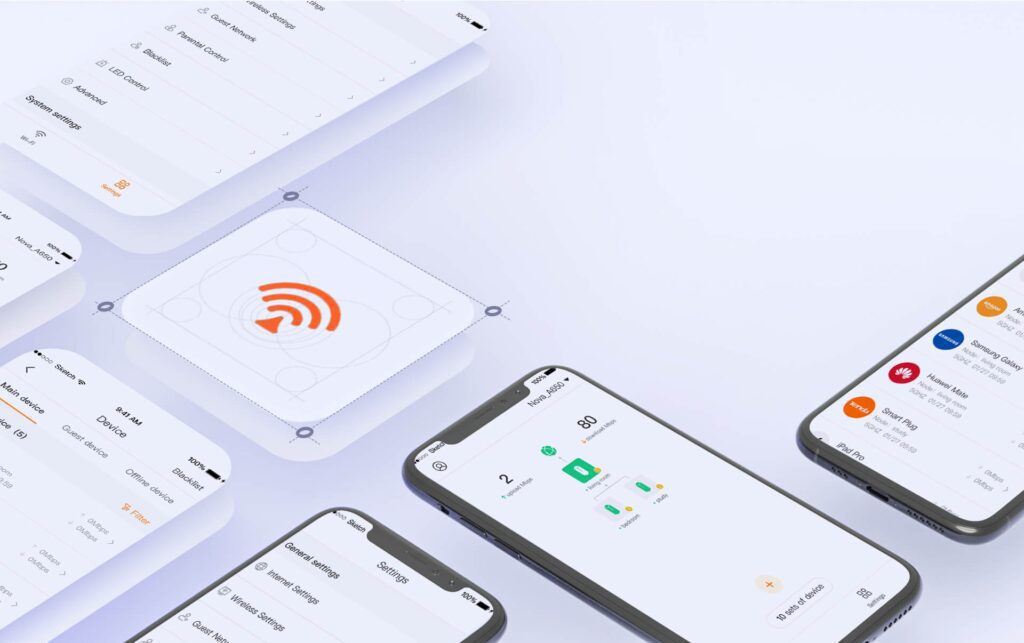
New Advanced Setting for the Nova MX6
The Tenda WiFi App has new advanced settings for the Nova MX6. You can now create separate SSID for 2.4 and 5Ghz bands or simply just combine them as one to create a seamless roaming network. In terms of security, you now have the option to set WPA2, WPA3-SAE/WPA2-mixed. This is a major upgrade as the Nova MW series only supports WPA2 and has no option to configure it. We are happy about this security upgrade.
What else is new with the Nova MX6?
- Channel and Bandwidth selection to avoid overlapping and congested channels.
- For Guest network, you can set up the connection time limit and shared speed from unlimited, 8Mbps, 16Mbps, 20Mbps and custom. You have control to limit your guest from abusing your WiFi.
- It has Mesh Button that is used for creating a single network with other connected nova nodes.
- It has many other advanced settings like Working mode (Router mode or Ap mode), IPv6, LAN settings, IPTV, WPS, and Port Mapping
What we didn’t find compared to Nova MW series
There are 2 particular settings that we love to use on the nova mw series and we didn’t find on the settings of the nova MX6. The option to toggle QoS and Fast Roaming. This setting might already be included within the system as seamless roaming as you move around is done instantly. Although you might need to adjust your Bandwidth and Channel so that you can have smooth overlaps.
When is Nova MX6 available to the market?
Our main Tenda distributors have played large orders for the Nova MX6 and we are all waiting in anticipation for the shipment to arrive. At this current moment, we are not certain when we will receive the nova MX6. If you are interested in the Nova MX6 please let us know so we can put more pressure on the manufacturer. Call us on 0877008761


Are you able to combine Tenda MX nodes with existing MW nodes or can they only replace/run separately?
Hi Brian, we haven’t tested that theory yet. We can find out for you from the Tenda team.
Nope