Internet Issues?
We Find The Fault. You Get The Speed.
Systematic Home Network Fault Finding
We cover four core areas: your physical cabling, your WiFi environment, your switching layer, and the router and network configuration that ties it all together.
Network Cabling Fault Finding
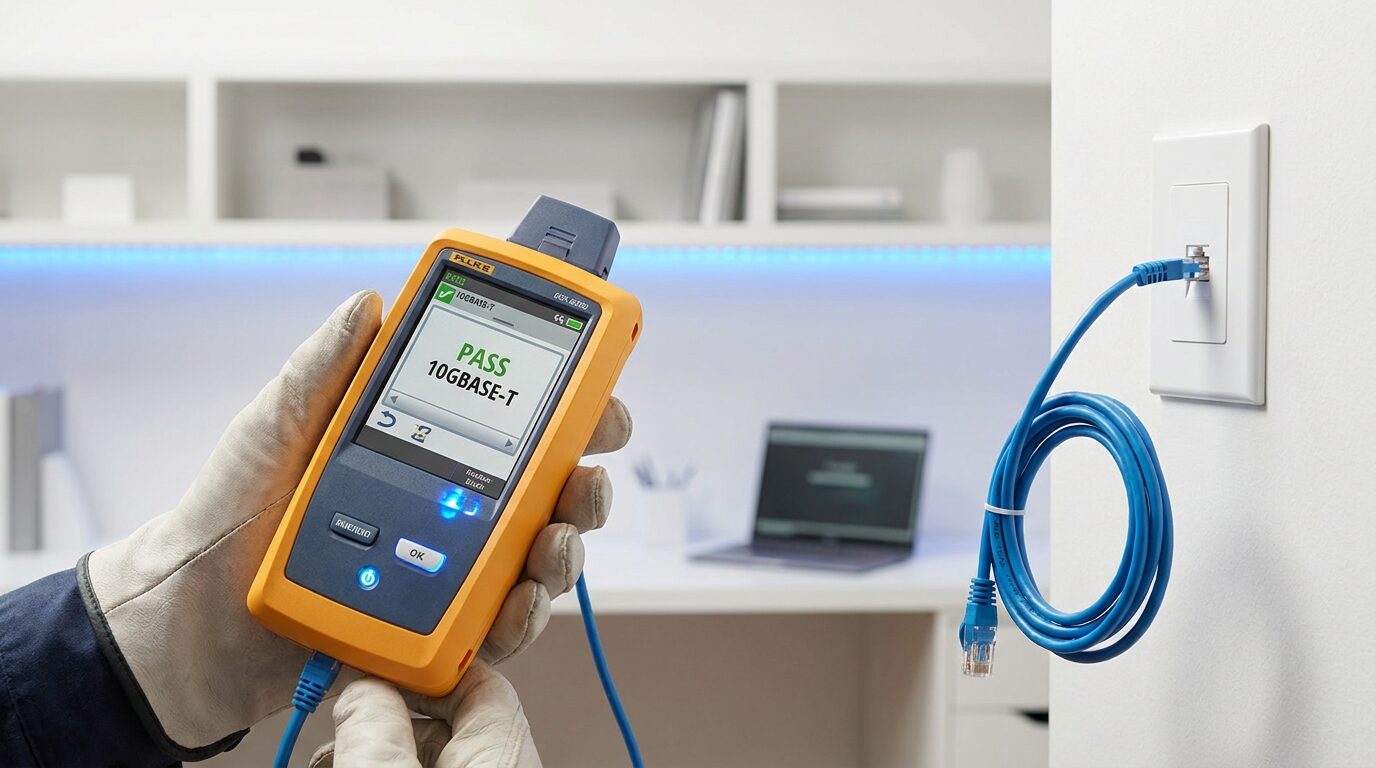
That wall port in the lounge hasn't worked for six months. The one in the study "works sometimes." Ethernet cabling fails quietly — a bent pin during installation, a cable kinked behind a wall, or an old CAT5 run that simply can't keep up with fibre speeds anymore.
We test every active cable run with a dedicated cable tester, checking for continuity, wire map errors, opens, shorts, and split pairs. We also test for performance — a cable can pass a basic connectivity test and still throttle your speeds to below 100 Mbps.
WiFi Fault Finding
WiFi problems are the most common complaint we get — and the most misdiagnosed. "My WiFi is slow" can mean a dozen different things: too many devices on the same band, a neighbour's router on the same channel, a mesh node placed behind a concrete wall, or a router with outdated firmware capping its own performance.
We run a proper WiFi survey of your home. That means mapping signal strength room by room, analysing channel congestion, checking your router's band-steering and roaming settings, and verifying that every device is connecting to the right access point at the right frequency.

Switching Fault Finding
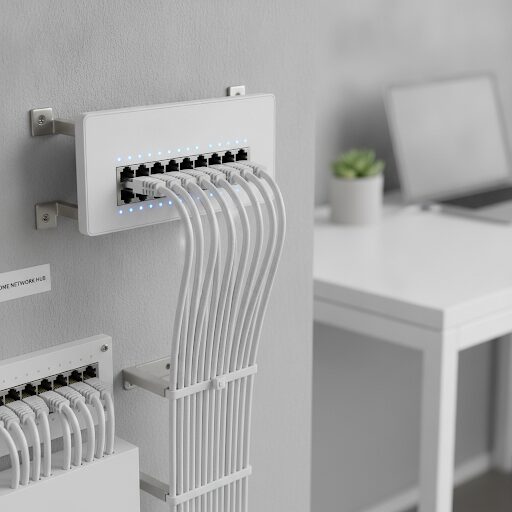
Most homes have at least one network switch — usually a small desktop unit sitting next to the TV cabinet or router. These are often the forgotten link in the chain. A cheap unmanaged switch can introduce broadcast storms, drop to 100 Mbps when your whole network is Gigabit-capable, or have a single faulty port that causes intermittent drops for everything downstream.
We test each port on your switch for speed negotiation, packet loss, and physical fault indicators. If you have a managed switch, we review its configuration for any VLAN or loop protection settings that may be causing traffic to behave unexpectedly.
Network Misconfiguration & Optimisation
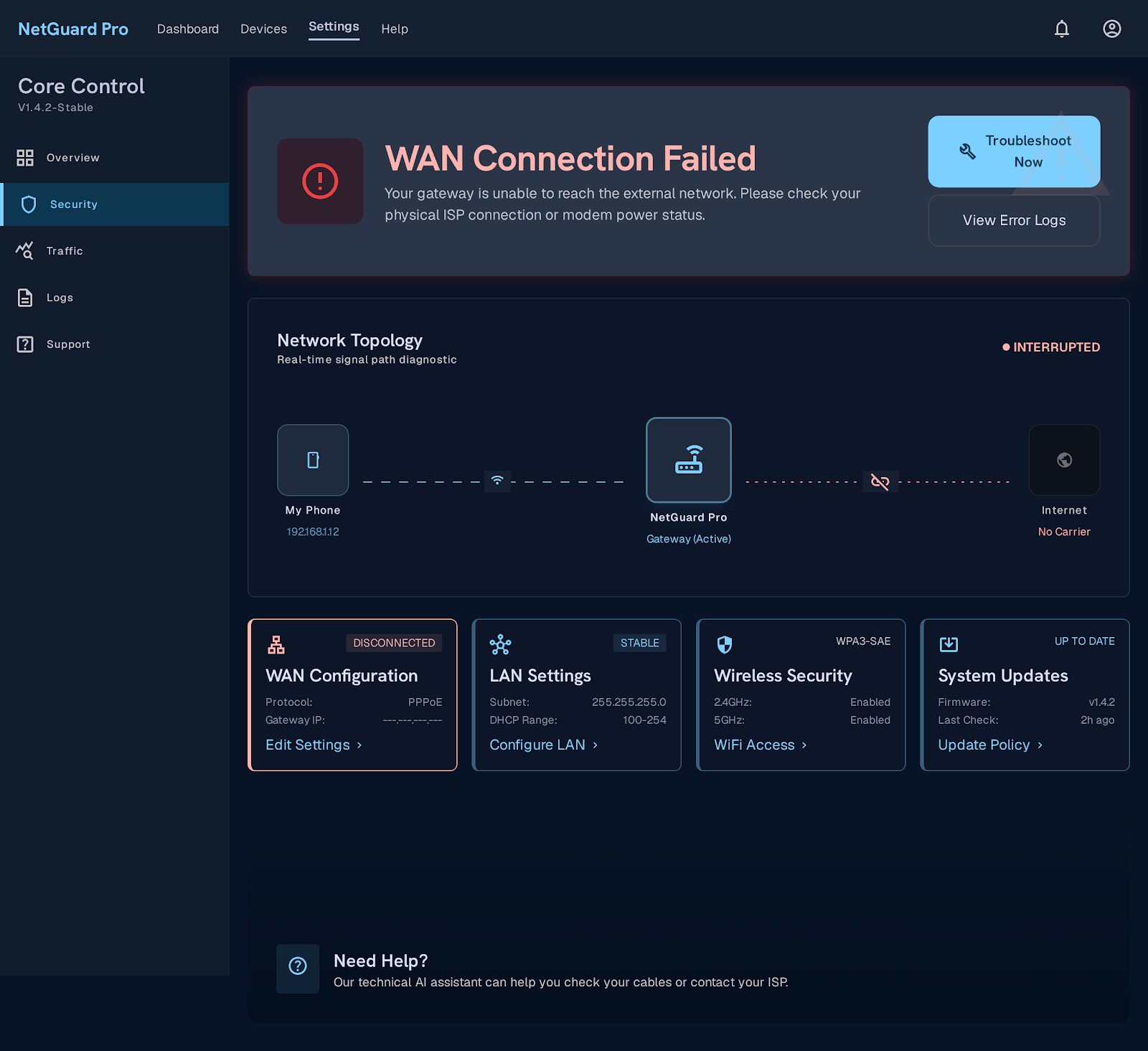
Sometimes the hardware is fine — the problem lies in the configuration. A router still running default ISP firmware, double-NAT from a second router plugged in by a well-meaning family member, DNS servers pointing to a slow public resolver, or QoS settings accidentally throttling streaming traffic. These issues are invisible to a speed test but immediately obvious to anyone watching Netflix or on a video call.
We audit your full home network configuration — router, any secondary access points, and your ISP-supplied ONT or modem — and document what we find. Then we fix it. No jargon, just results.
From Callout to Fixed — Four Steps
Frequently Asked Questions
Your ISP tests their line to your router — they stop there. The problem is almost always inside your home: a faulty cable to a wall port, a cheap switch dropping to 100 Mbps, or a WiFi router that’s been running non-stop for three years. We test everything past your router.
For most homes, a full diagnostic covers cabling, WiFi, switching, and configuration in a single visit of 1.5 to 3 hours, depending on the size of the property and how many active cable points you have.
The diagnostic callout fee covers the assessment. If you proceed with the repair or optimisation on the same visit, the callout fee is applied toward the total. We’ll always confirm costs before doing anything chargeable.
Yes, this is one of the most common configuration issues we resolve. We either put the ISP device into bridge mode or restructure the network so only one device is performing routing and NAT — which typically results in a noticeable improvement in latency and reliability.
Not necessarily. It could be building material (concrete, brick, insulated ceilings), router placement, or antenna orientation. Our WiFi survey will tell you exactly what the signal looks like room by room and whether the fix is a repositioned router, a mesh extender, or a wired access point in that room.
Yes. We cover residential properties and estates across Johannesburg, Pretoria, and the broader Gauteng area within approximately 50 km of Midrand. Contact us to confirm coverage for your specific area.