




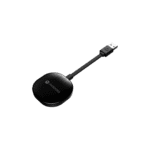


Fast Media Transmission
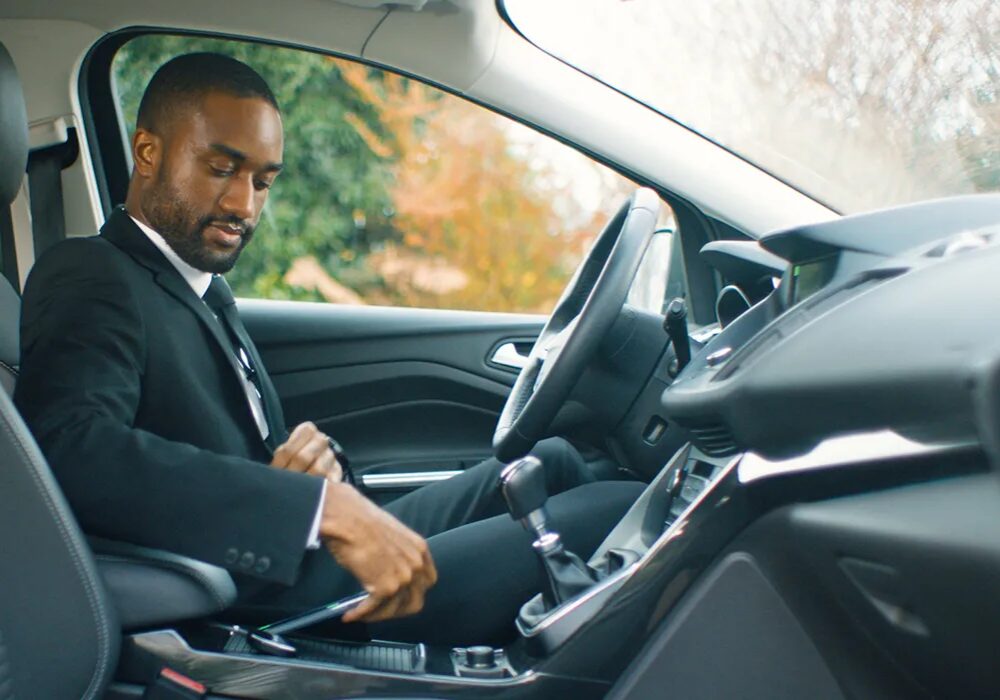
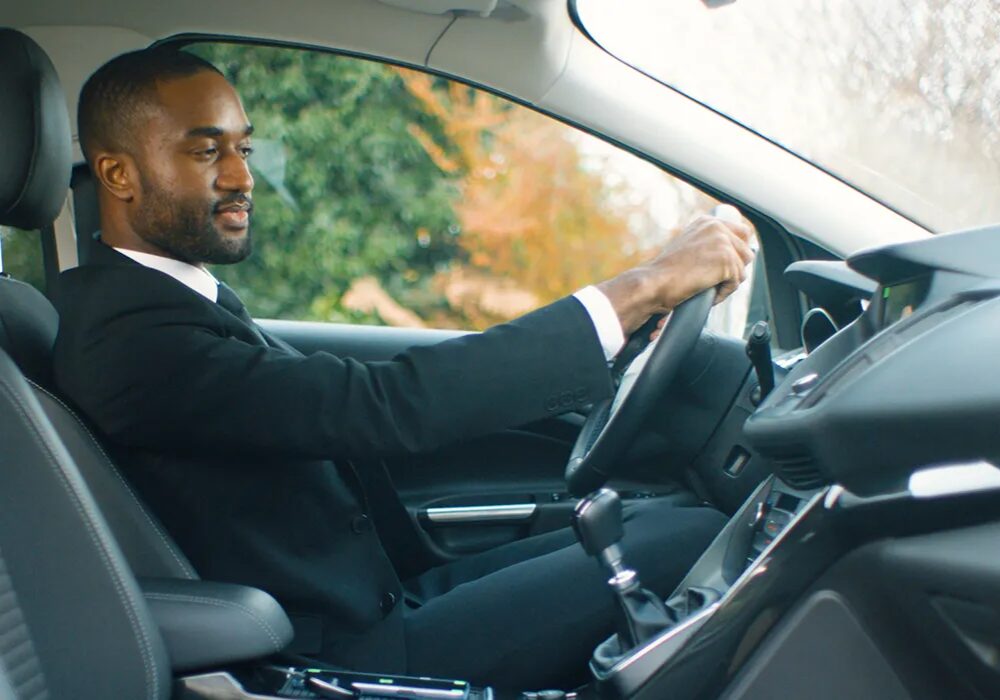
Seamless Connection
Easy Set Up
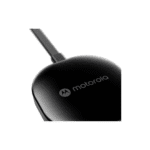
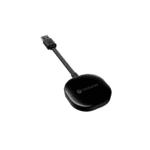
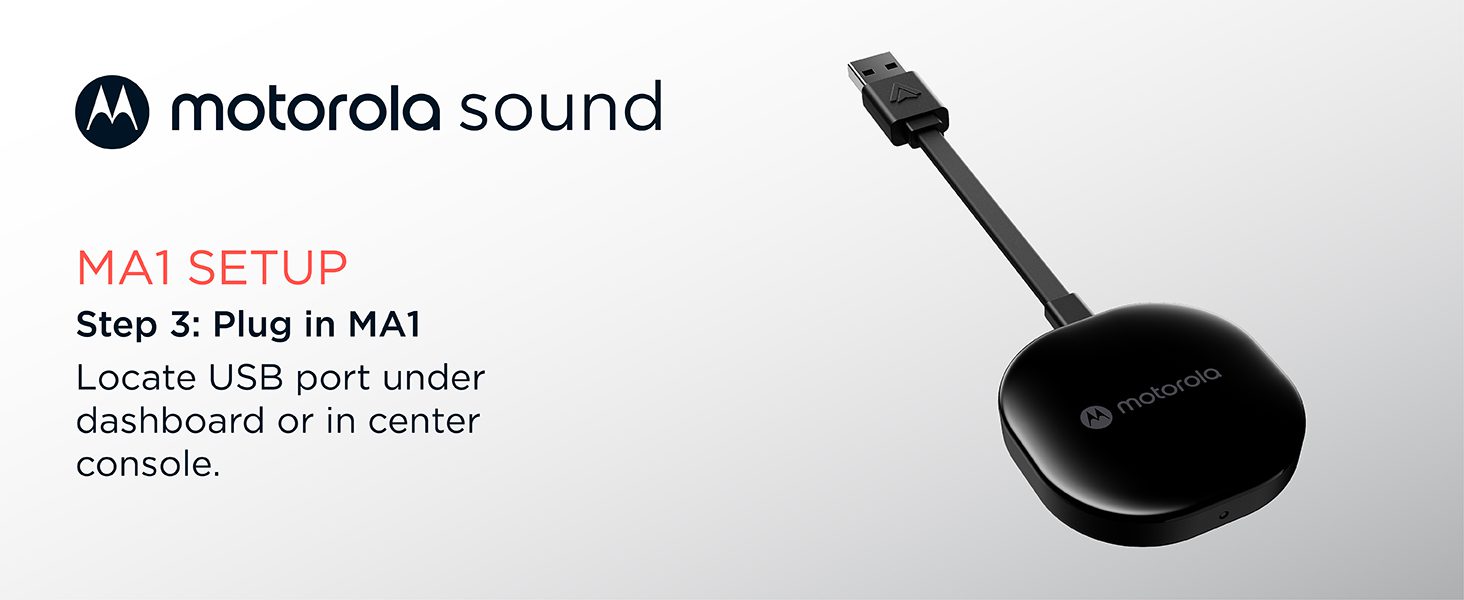
1. Plug the MA1 adapter into your car's existing Android Auto-enabled USB port;
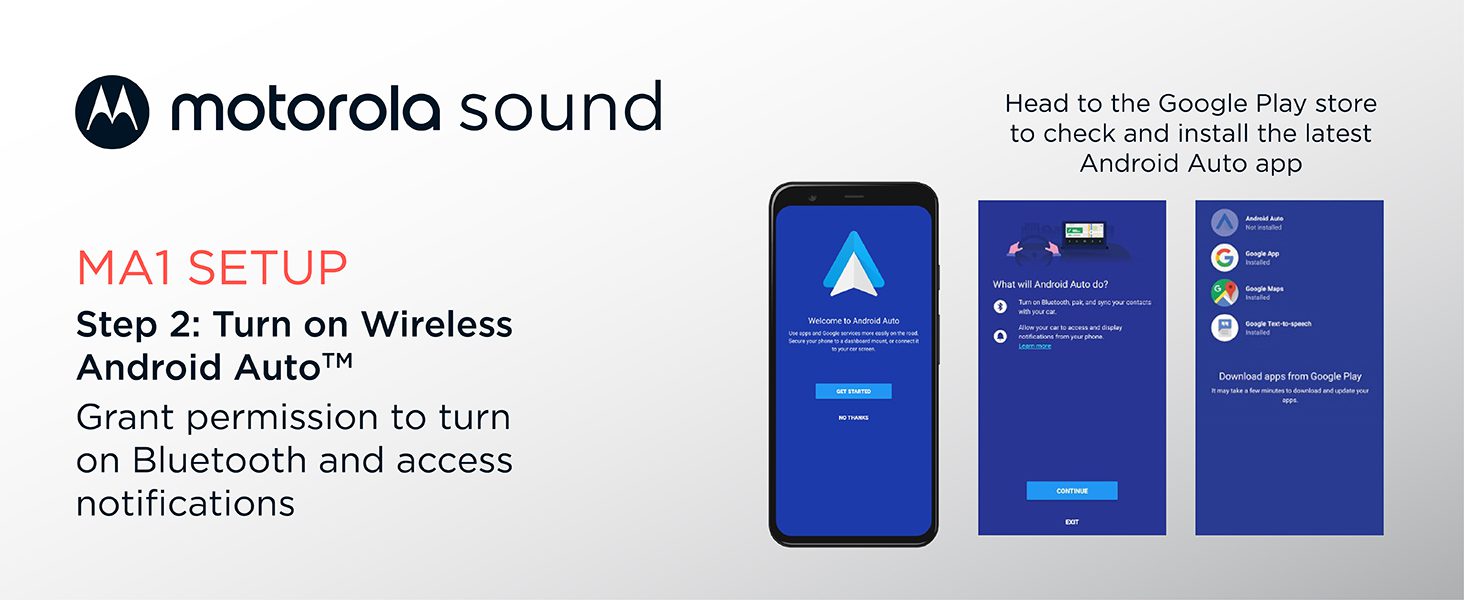
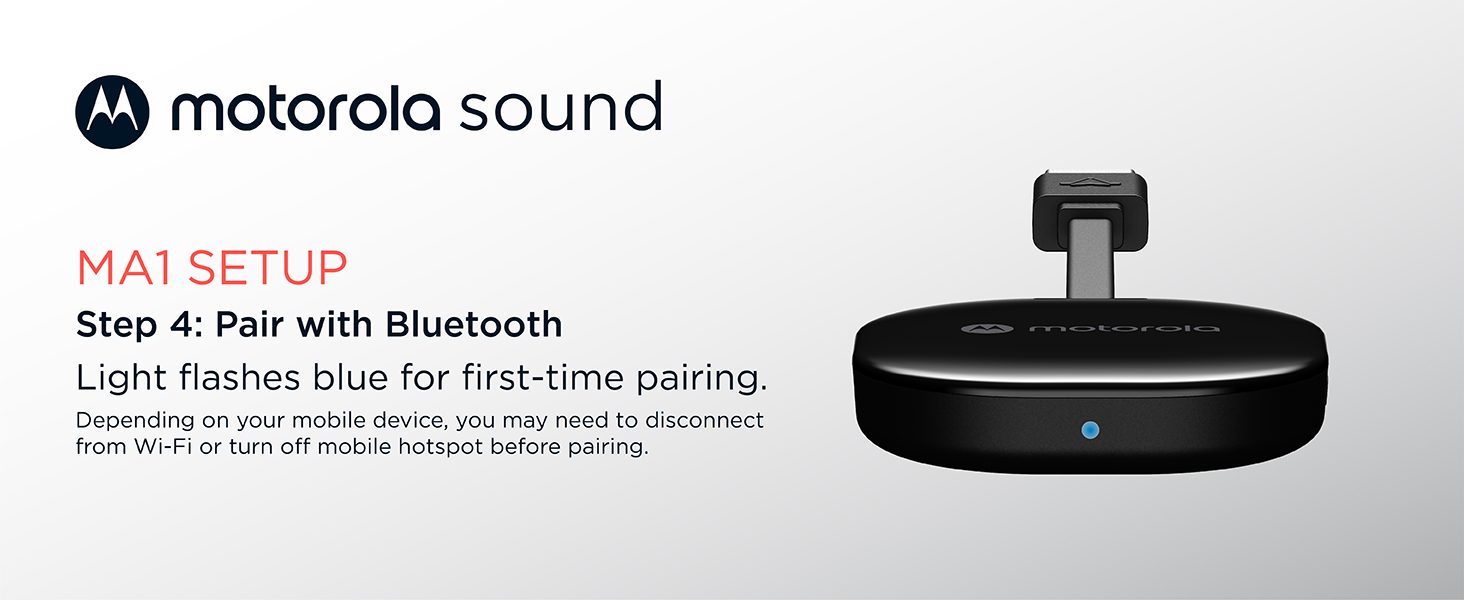
2. Pair your phone to the MA1 adapter using Bluetooth;
3. Enjoy wireless Android Auto™!
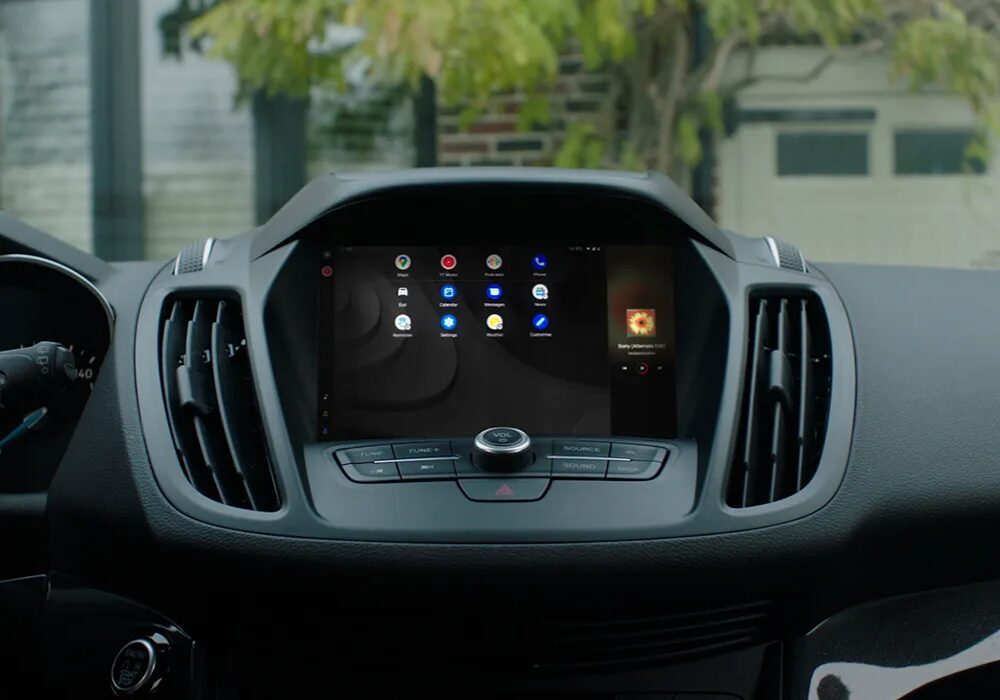

Sleek Design
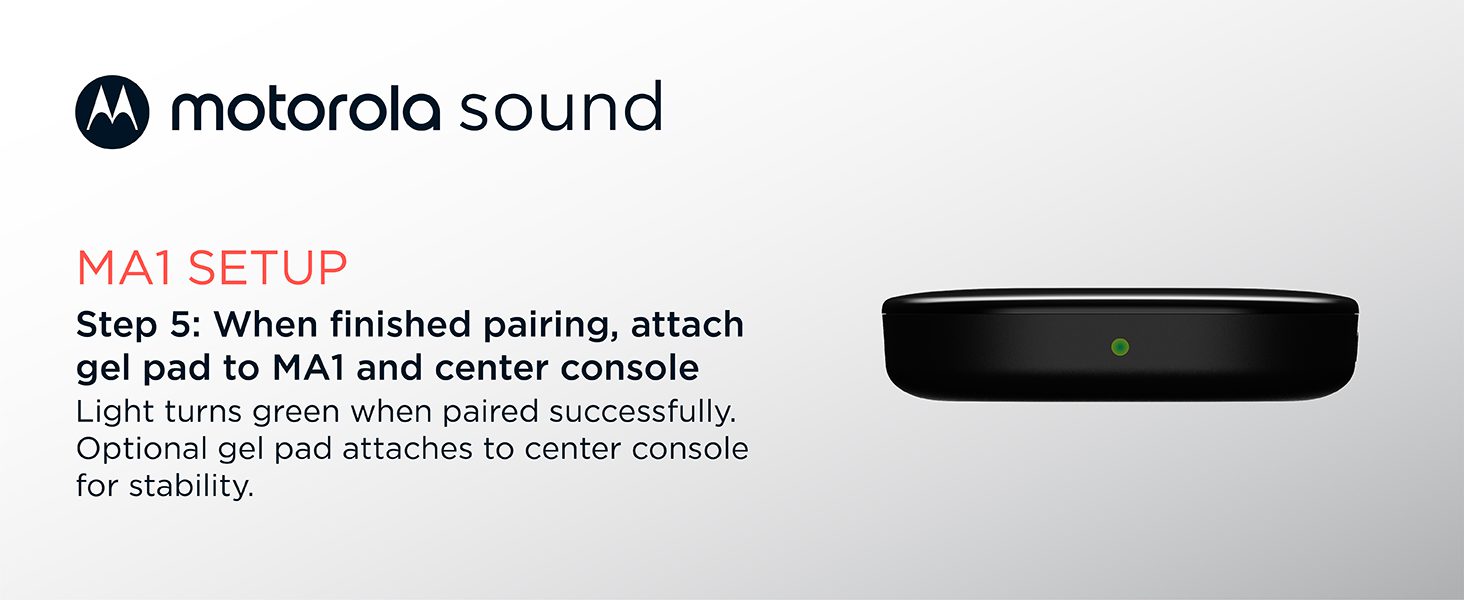
Motorola MA1 Setup
Frequently Asked Questions
Most vehicles with factory-supplied Android Auto support over USB will work with the Motorola MA1. Adapter compatibility depends on the automaker’s specific implementation of USB and Android Auto; contact your vehicle manufacturer if you are unsure. Automotive brands known to be incompatible with the MA1 adapter include Mitsubishi Motors.
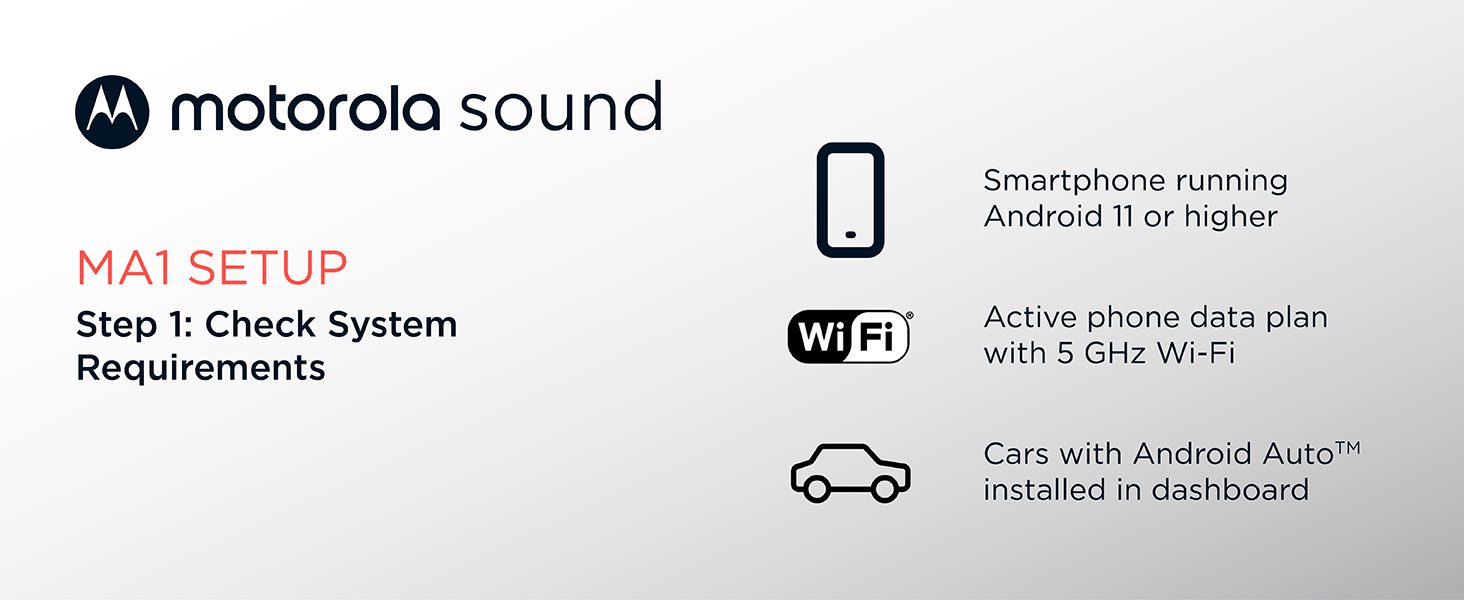
Most phone makes and models that shipped from the factory with Android 11 will work with the MA1 adapter. For detailed requirements, refer to the Google support page for wireless Android Auto at: https://support.google.com/androidauto/answer/6348019#wireless
Refer to the User Guide for recommended setup steps. To connect wirelessly, your phone must first re-establish its Bluetooth connection to the vehicle’s infotainment system for hands-free calling; this process is typically automatic. Try also toggling the ‘Start wireless early’ setting on your phone, under Settings > Connections > Android Auto.
The MA1 adapter employs Android Auto receiver technology, just as an automaker would, under license from Google. Users therefore enjoy an original equipment (OEM)-like user experience that improves over time as Google continues to enhance Android Auto.
The Motorola MA1 is the only wireless USB car adapter using Google-licensed bridge technology. Any updates for the wireless receiver technology contained in the product are delivered via the Android Auto app on the Android phone.
No. If your vehicle is not equipped with factory-fitted wired Android Auto then the Motorola MA1 will not work and should not be purchased. This product only enables a wireless connection with a factory-fitted wired Android Auto vehicle.
Android Auto is a trademark of Google LLC. To wirelessly use Android Auto on your car display, you need a compatible Android smartphone with an active data plan. You can check which smartphones are compatible at Get Started with Android Auto.



Reviews
Clear filtersThere are no reviews yet.