How to Improve Your Home WiFi Network

We live in a time were online schooling and working from home is a new norm. The capacity of people connecting to home WiFi has increased. More and more people have internet access at home. This has created a need for reliable home WiFi network.
Doing online schooling, working from home and streaming has an effect on your network capacity. Is your home WiFi network robust enough to handle your online home activities? Does it disconnect a lot when everyone is using it? There’s ways to improve your home WiFi. Read on to learn how you can make your home WiFi better.
Why You Need Good Home WiFi
Those with good home WiFi never notice any need to improve as there are no interruptions. Good WiFi means using your home internet seamlessly without any issues. Your WiFi signal is strong and fast throughout your entire home, including back rooms, multi-level floors, garage or other areas within your home. This will give you the freedom to work anywhere in your living space when your home WiFi is at its peak performance.
The moment you experience slow connection speeds, a lot of buffering when streaming or dropped video calls, you’ll immediately notice that you have bad WiFi. If you are unable to fully use your home internet services, you can follow this guide to boost your Home WiFi network.
Boosting Your Home WiFi Network
To boost your home WiFi signal means increasing the coverage and improving the WiFi speed to boost overall performance.
- Move your router to central location
Does your Rain 5G router only work better closer to the window but far away from civilization? Is your fibre router placed in a corner far from where you normally use your internet? Then you now why your WiFi is suffering like this. For your home WiFi to perform optimally, your router need to be place at a central location. There should be a clear, direct path between your WiFi router and devices. Another best practice is to ensure that your router is not directly on the floor. - Use WiFi boosters .
Did you try moving your router and still you’re unable to connect to the WiFi in certain areas of your home? There are wired and wireless WiFi boosters that you can install in your home.
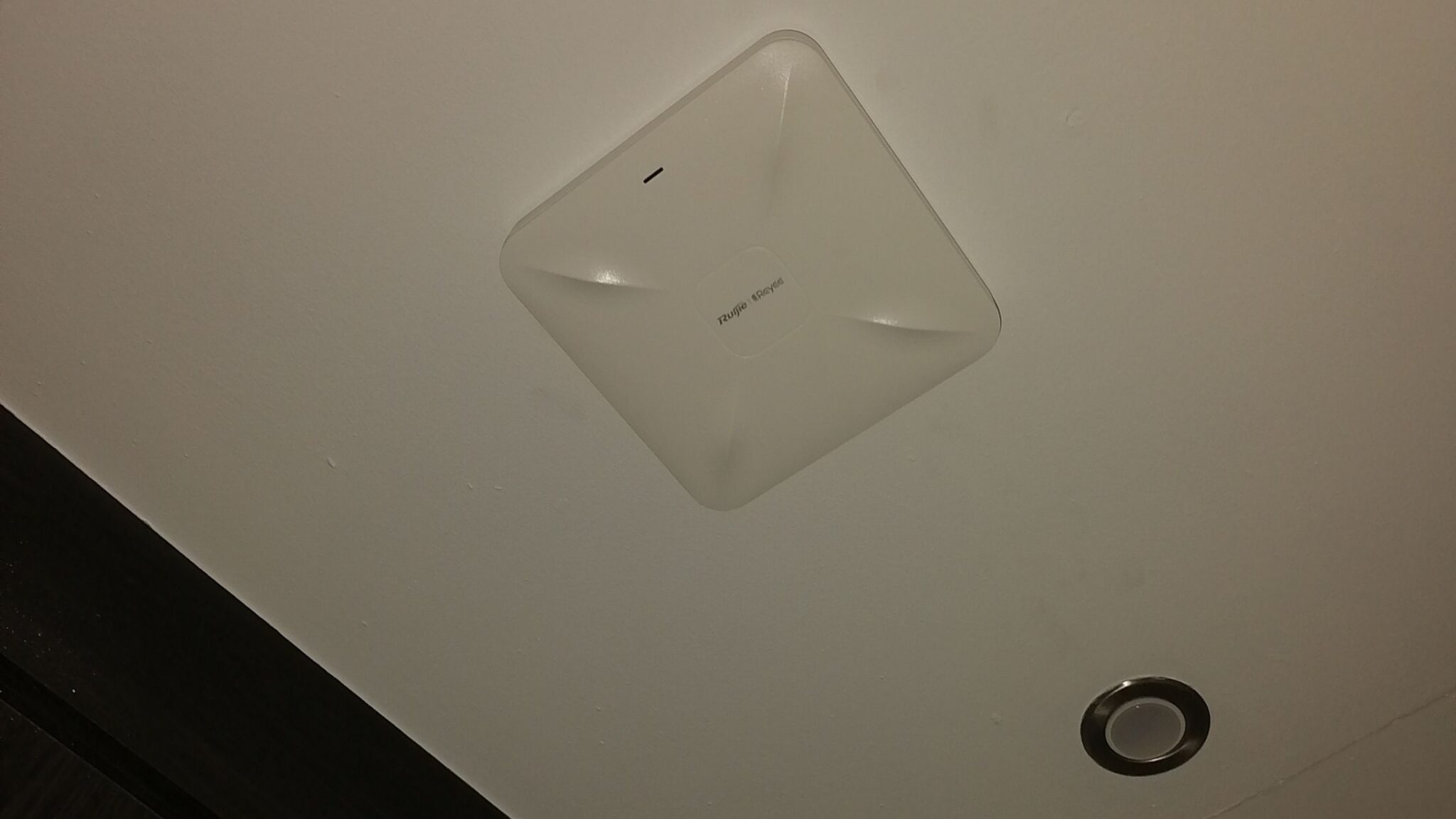
- Wired Booster – Access Points: this consists of installing ceiling/wall wireless access points within your home. The wired boosters means using LAN cable to connect your access points to your Rain 5G router/fibre router. You will need a POE switch if installing more than 3 access points or you can make use of PoE adapters to power up your access points.
- Wireless WiFi – Mesh WiFi: this solution is for homes that don’t want to install network cables. Mesh WiFi is a wireless plug and play WiFi booster that you place in areas you want to improve coverage. To learn more about mesh WiFi.
We recommend connecting your smart TV via LAN to guarantee reliable fast internet while streaming. You can then leave the convenience of your home WiFi to your mobile devices.
If you need technical assistance like installing your network access points for your home, do get in touch. Comment below or send an email to [email protected]