Tenda Nova MW6 Features Explained

Since our first setup of the Tenda Nova MW6, we had great success and impressive performance. The Tenda brand is becoming widely known for its affordability and easy setup. Almost every ISP offers a Tenda router with their fibre installation. Tenda being a Chinese wireless networking brand with few reviews. We can gladly recommend it to anyone looking to improve their home WiFi experience on a low budget. The Nova MW6 is an absolute must have for drastically eliminating WiFi dead zone in big houses that are struggling with internet connectivity. With the Nova MW6 installed in your home you can enjoy consistent internet speeds downstairs and upstairs. We will now review the features of the Nova MW6 so you can familiarize yourself with this army of mesh nodes.
Pack of Three units
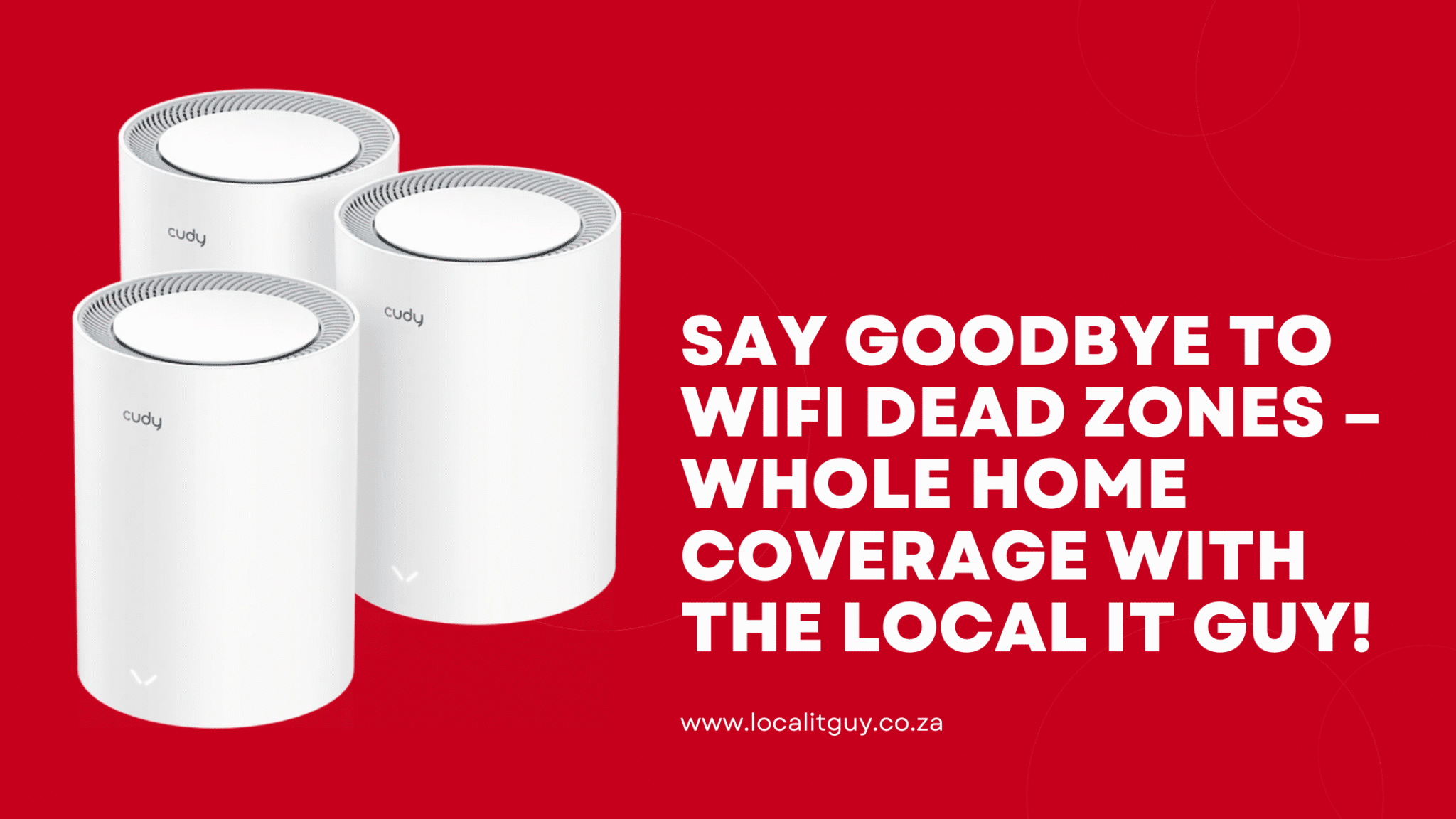
The Nova MW6 can easily be distingushed from the other Nova MW range from its large packaging. When you open the main packaging you will find another fancy black box that screams “elegant and stylish”. Inside you will find 3 army of mesh nodes ready to be deployed in your home. The MW6 comes in 3 pairs one as the main router to replace your fibre router and the other 2 also acts as routers to transmit high-speed internet at every corner. Your WiFi coverage will reach further than anticipated ensuring that you no longer have dead spot issues.
Amazon Alexa Compatibility
The Tenda Nova MW6 is a smart router that integrates well with other smart devices such as Amazon Alexa and Google Assistants. Once you connect your Tenda Nova MW6 with your virtual assistant, you’ll enjoy a full smart home experience.
90 Supported Smart Devices
Are you worried about the number of devices that needs to connect to your home WiFi network? Worry no more as the Tenda Nova MW6 supports multiple devices without compromising the quality of your internet connection. If the kids will be playing online games such as Fortnite that requires a lot of bandwidth and the other attending an online class at the same time you’re on a Zoom meeting. You definitely do not need to panic about getting dropped Calls when you have the Nova MW6 installed at home.
Other great features
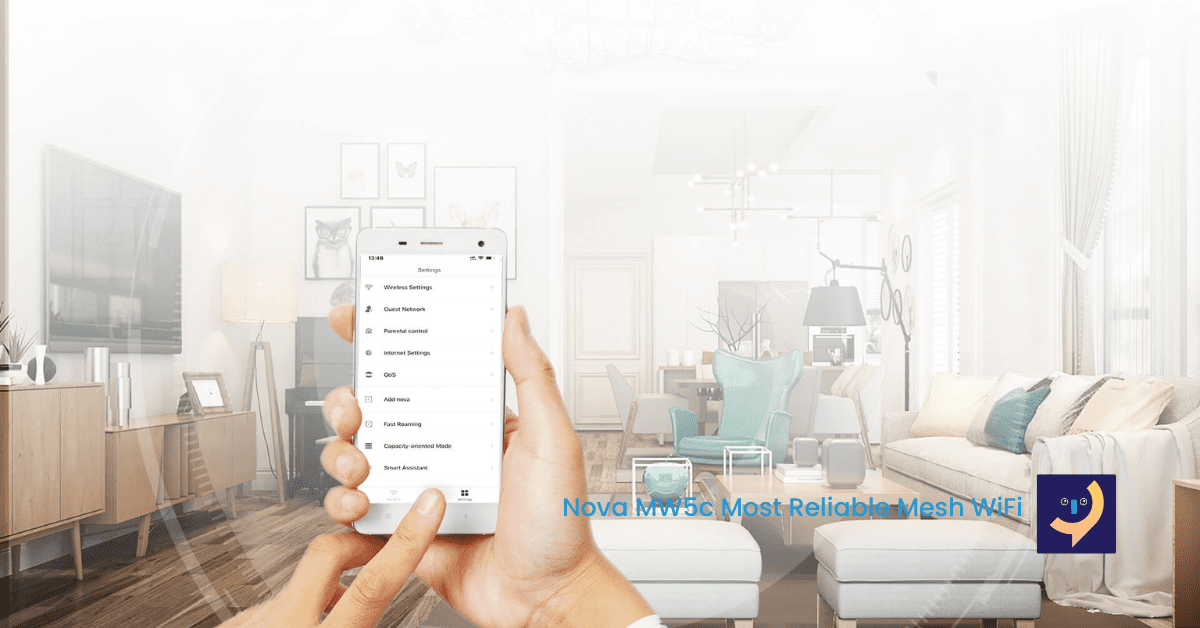
The Tenda Nova MW6 is easy to setup via the Tenda WiFi mobile app on Android and Apple iOS. Some other cool features that we will do an article on include Beamforming and QoS that allows Nova MW6 to maintain connectivity. Fast roaming is a cool feature that allows you to instantly switch to the nearest node as you are walking around your home.
Are you looking for a permanent solution to your home WiFi coverage problem? Take a closer look at the Nova MW6, as it is the best piece of tech that your home WiFi needs. Increase WiFi coverage and improve the quality of your internet with consistent speeds everywhere in your home. Talk to the Local IT Guy about what options you need to consider to improve your home WiFi. Use the form below or kindly say “Hi” on WhatsApp via 082 670 3622. You can even call to speak to your friendly Local IT Guy.